Photo series editor for iPhone and iPad

Edit a whole shoot at once.

Open a shoot as one series and grade it once: every photo follows, with the same Raw layer, the same look, the same title. Then retouch any single frame on top. Every change sits on its own layer, so you can come back to any of it, and the originals are never touched.

Free to edit No account Works offline Nothing collected

Shoot with Nimu Cam, the camera with the same 28 looks, and finish here.

Raw layer Hold the photo to compare
Grade
Mask
The app's real Raw maths, running on your device. Nothing is uploaded.
Series

One grade for the whole shoot.

Open up to a hundred photos as one series. The layers the series shares, a Raw grade, a film look, a title or a logo, work on every photo and follow each one's size, portrait or landscape. The layers a photo keeps to itself, like the retouching of one face, stay on that photo.

  • Change it once, and every photo of the shoot changes with it.
  • Select Subject finds the subject again in every photo, so one mask works on the whole series.
  • The series view shows every photo side by side, so the one that is too warm or too dark stands out.
  • Export the whole series to Photos in one go, or share it as files.
Layers +
T
Paris, autumnText
◉
✎
Paint 1Multiply · 60%
◉
☉◐
Raw 1Raw, clipped · Linear Gradient
◉
✦
Photo 1Gaussian Blur · Unsharp Mask
◉
✚
Retouch 124 strokes
◉
Layers

Nothing is ever baked in.

A Raw adjustment, a blur, a retouch, a brush stroke, a line of type: each one lives on its own layer. Hide it, fade it, mask it, reorder it or delete it next week, and the photograph underneath is exactly as you shot it.

  • Nine blend modes and opacity on every layer, from Multiply to Luminosity.
  • Clip to the layer below, so an adjustment touches one photo and nothing else.
  • Masks drawn with a linear or radial gradient, or painted with a brush, adding and subtracting.
  • Undo for everything, and projects that reopen exactly as you left them.
The tools

A whole studio, sized for one hand.

The tools a photographer and a retoucher reach for every day, built for touch and for Apple Pencil, and all of them working on layers.

A full Raw panel

Light, colour, a point curve, an eight colour mixer, colour grading wheels, texture, clarity, dehaze, grain and lens corrections, in the units photographers already know.

Exposure, Highlights, Shadows, Whites, Blacks, Temperature, Tint, Vibrance, Curve, Color Mixer, Color Grading, Dehaze, Optics, Lens Blur

Masks

Drag a linear gradient across a sky, drop a radial on a face, or paint exactly where an edit belongs, with a red overlay that shows you what is selected.

Linear Gradient, Radial Gradient, Brush, Add, Subtract, Invert

Smart filters

Thirty-four filters that never touch the pixels: stack them, reorder them, reopen them, and give each one its own mask, opacity and blend mode.

Blur, Sharpen, Noise, Pixelate, Render, Distort, Tilt-Shift, Lens Flare, Lighting Effects

Liquify

Push, twirl, pucker and bloat with a brush, freeze what must not move, and reconstruct any stroke back to where it started. Pinch to zoom in close while you work.

Forward Warp, Twirl, Pucker, Bloat, Reconstruct, Freeze, Thaw

Retouch

Spot healing finds a clean patch by itself. The healing brush takes texture from one place and light from another. The clone stamp copies exactly. All on a layer of its own.

Spot Healing, Healing Brush, Clone Stamp

Paint

Brush, pencil, marker and airbrush, with Apple Pencil pressure, an eraser and an eyedropper that picks any colour from the picture.

Brush, Pencil, Marker, Airbrush, Eraser, Eyedropper

Type

Every font on your device, with letter spacing, line height, paragraph boxes, outlines and drop shadows. Text stays sharp however far you scale it.

Export

JPEG or PNG with transparency, straight to Photos or to any app. Up to 8192 pixels a side, rendered from your original files.
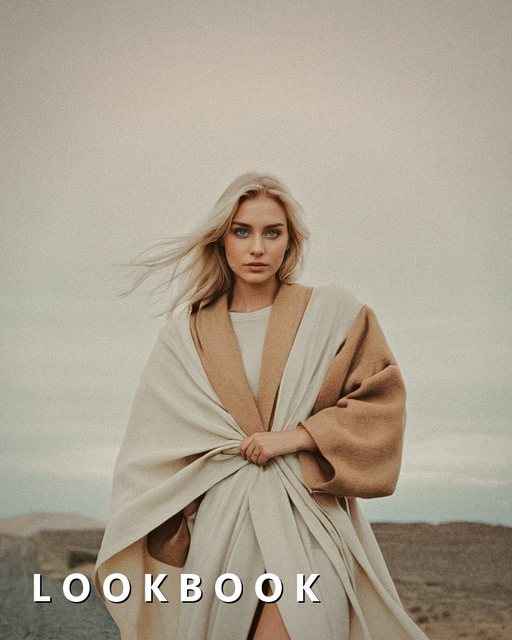
28 looks from Nimu Cam

The same grades as the camera.

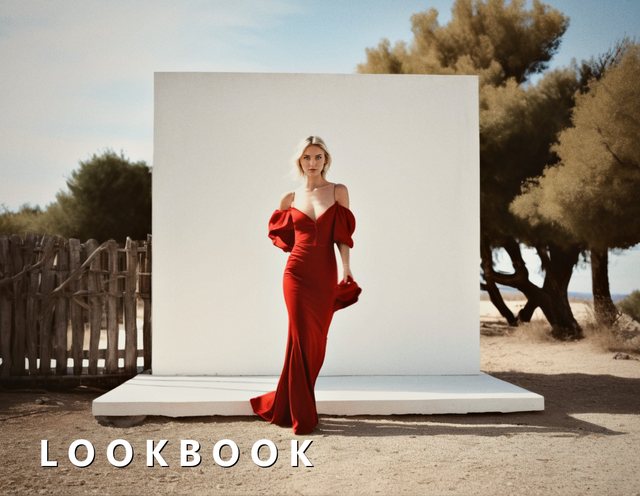
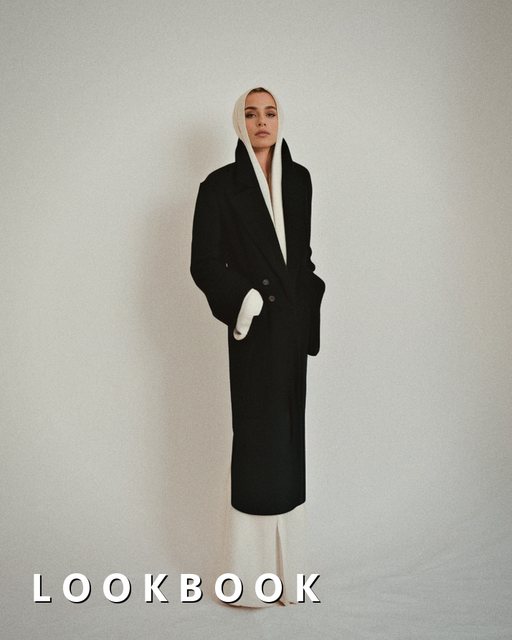
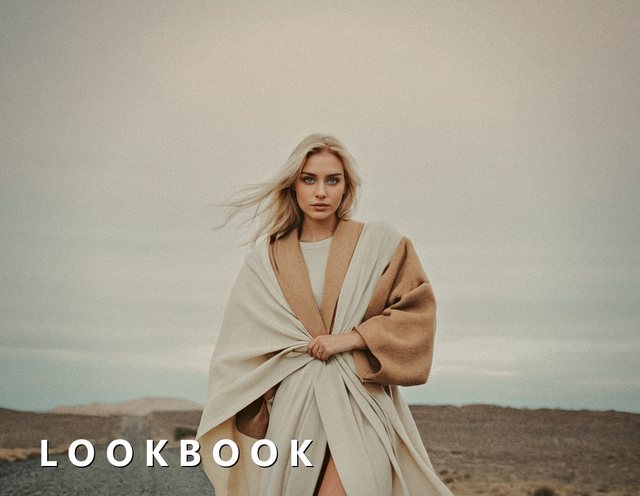
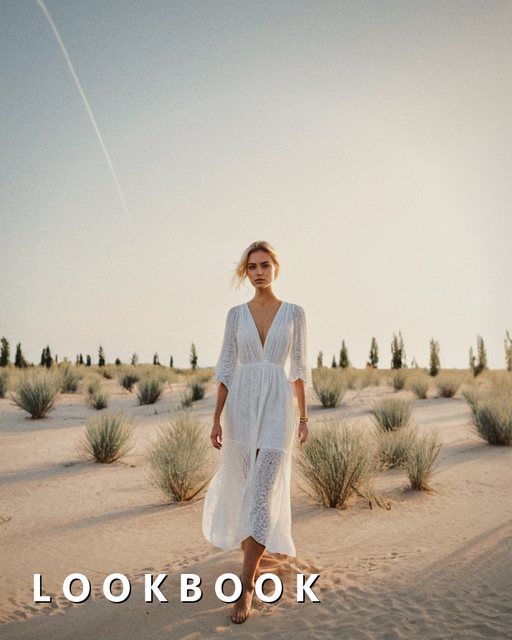
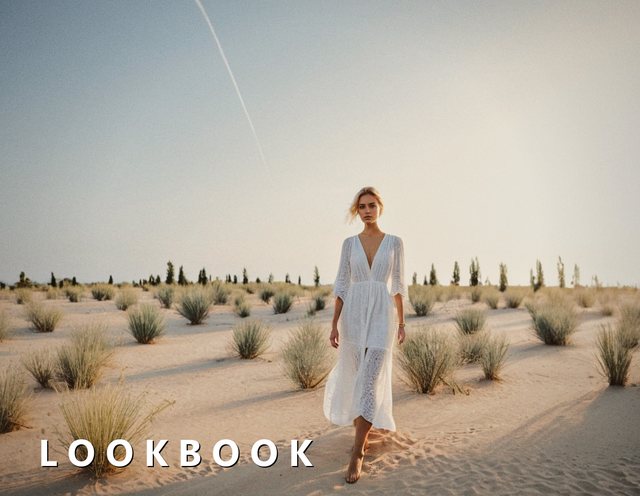
Nimu shares its looks with Nimu Cam, so a series shot with one and finished in the other stays one series. Put a look on any layer, at any strength. The squares below are being graded in your browser right now, by the apps' own maths.

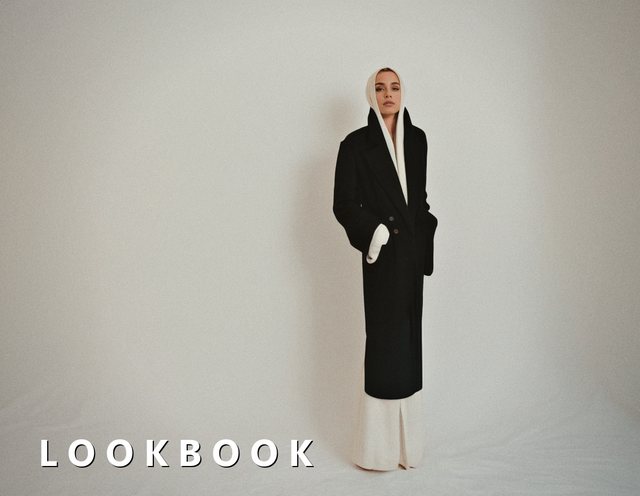
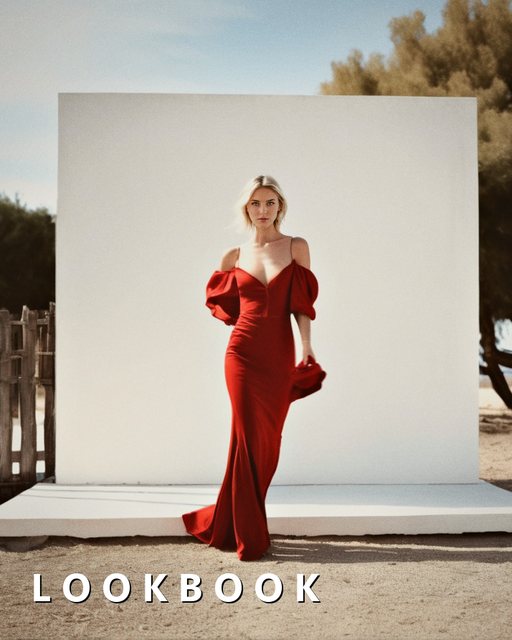
Editorial

Magazine and campaign grades

Vintage

Film stocks, instant prints and old plates
Free, with one honest limit

Every tool works before you pay anything.

Layers, masks, the Raw panel, every filter, liquify, retouching, painting and type are free, with no trial and no countdown. The only thing the paid version changes is the file you export.

 FreeNimu Pro
Every tool, every layerYesYes
Projects that stay editableYesYes
Exported pictureUp to 1600 px on the long edgeFull resolution
WatermarkA small mark in the cornerNone
How you payYou don'tOne payment, kept for good

No subscription, no account, no ads, and nothing is collected about you either way.

Privacy

Your photographs never leave your device.

Nimu has no accounts, no analytics and no servers of its own. Every filter, every mask and even the subject detection behind Lens Blur run on the device's own chip, which is why the app works in airplane mode.

No account

Nothing to sign up for, nothing to sign in to.

No uploads

Everything is computed on the device, including the demo on this page.

No tracking

No analytics in the app, and no cookies on this site.

Also from Nimu

Shoot it with Nimu Cam.

Nimu Cam is the camera that goes with Nimu: real manual control over ISO, shutter speed and focus, and the same 28 looks, live in the viewfinder before you press the shutter. A series you shoot with Nimu Cam and finish in Nimu keeps one look from the first frame to the last.

  • Manual or automatic, side by side, with a real light meter.
  • The 28 looks in the viewfinder, so you frame for the finished picture.
  • The Darkroom develops photos you already took with any of the looks.
  • Free, private and offline, like Nimu.
Questions people ask first

Short answers.

Does it change my original photo?

Never. Every edit lives on a layer in a Nimu project. Exporting writes a new picture and leaves the original as it was.

Does it work with Apple Pencil?

Yes. Painting, masks, liquify and retouching all follow the Pencil, and the brushes respond to pressure.

Will it run on my device?

Any iPhone or iPad with iOS 17 or later. On a wide iPad, the layers and tools move into a column beside the canvas.

Can I open PSD files?

Not yet. Nimu projects are its own format today, and every project exports to JPEG or PNG.

Your whole edit, still editable.

Free to download, free to edit with, and every tool is yours whether you ever pay or not.