Vessum › Blog › Phone theft: what actually protects your money
Phone theft: what actually protects your money
In a street robbery the phone is rarely the prize. The money is, and it moves in the first few minutes. What stops that, in order of effectiveness.
The way phone theft is usually described, somebody takes your device and later tries to break into it. That is not how it mostly goes.
In the version that actually happens, particularly in Brazil and increasingly everywhere else, the thief asks for the passcode at the time, with you standing there. They are not planning to break in later. They are planning to move money now, in the first few minutes, before you can reach anyone.
Everything useful follows from that.
The clock is the whole problem
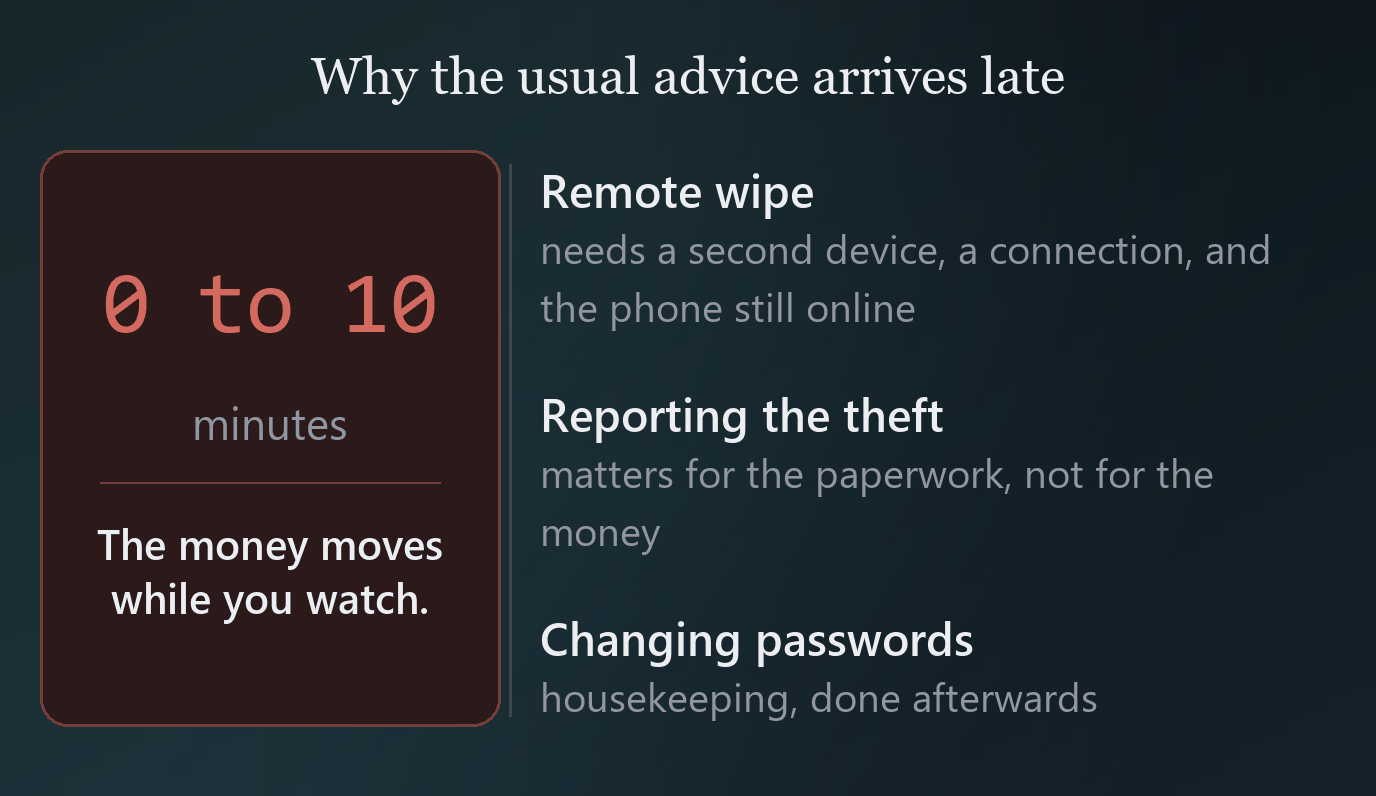
If the money moves in the first ten minutes, then anything that takes longer than ten minutes to help does not help. That rules out most of what people think of first.
Remote wipe is valuable and it is not fast enough, because you need another device and a working connection and the thief needs to still have the phone online. Changing passwords afterwards is housekeeping. Reporting the theft matters for the paperwork.
What works is making the phone unable to move much money in the first place, before anything happens.
1. Transfer limits
This is first by a wide margin and it is the one people skip.
Every banking app lets you cap how much can be transferred, and most let you set a different, much lower limit at night. In Brazil the Pix limits are directly configurable, and lowering the night limit in particular removes the most common scenario outright.
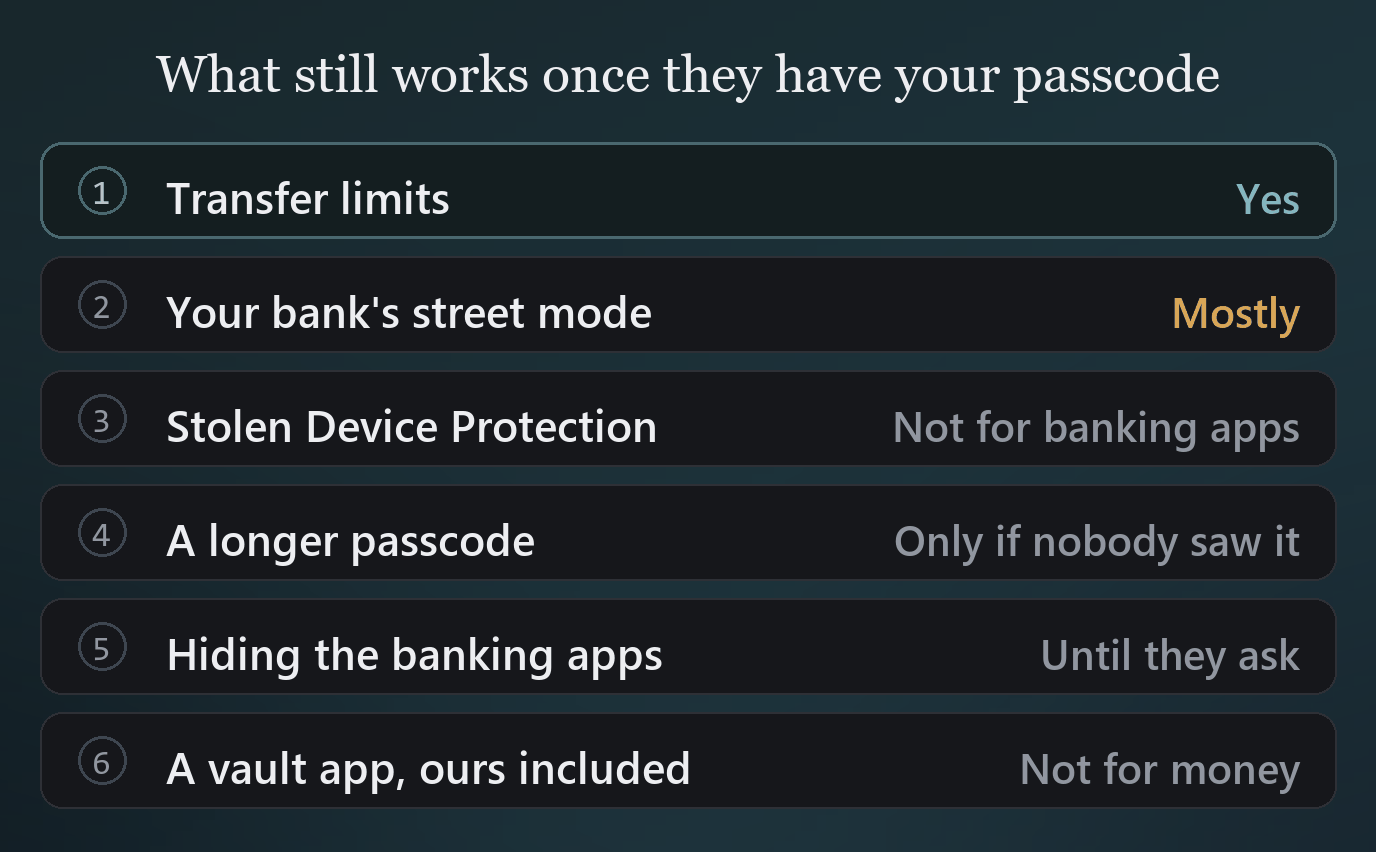
The reason this beats everything else is simple: it works even when the thief has your passcode, your face, and your full cooperation. Nothing else on this page is true under those conditions.
2. Your bank's street mode
Several Brazilian banks ship a feature for precisely this, under names like Modo Rua. It restricts what the app can do while you are out, with the fuller access available only from a trusted network or after a delay.
If your bank has it, turn it on. It is designed by people who have looked at a lot of these cases.
3. Stolen Device Protection
In Settings, under Face ID and Passcode. It requires biometrics with no passcode fallback for a set of sensitive actions, and adds a one hour security delay when you are away from familiar locations.
It is worth turning on. It is also worth being precise about what it covers, because the marketing around it has been loose.
What it protects: changing your Apple Account password, turning off Find My, viewing saved passwords in Keychain, using saved payment methods, erasing the device.
What it does not protect: your third-party banking apps. Those are ordinary apps. Stolen Device Protection does not stand between a thief and your bank.
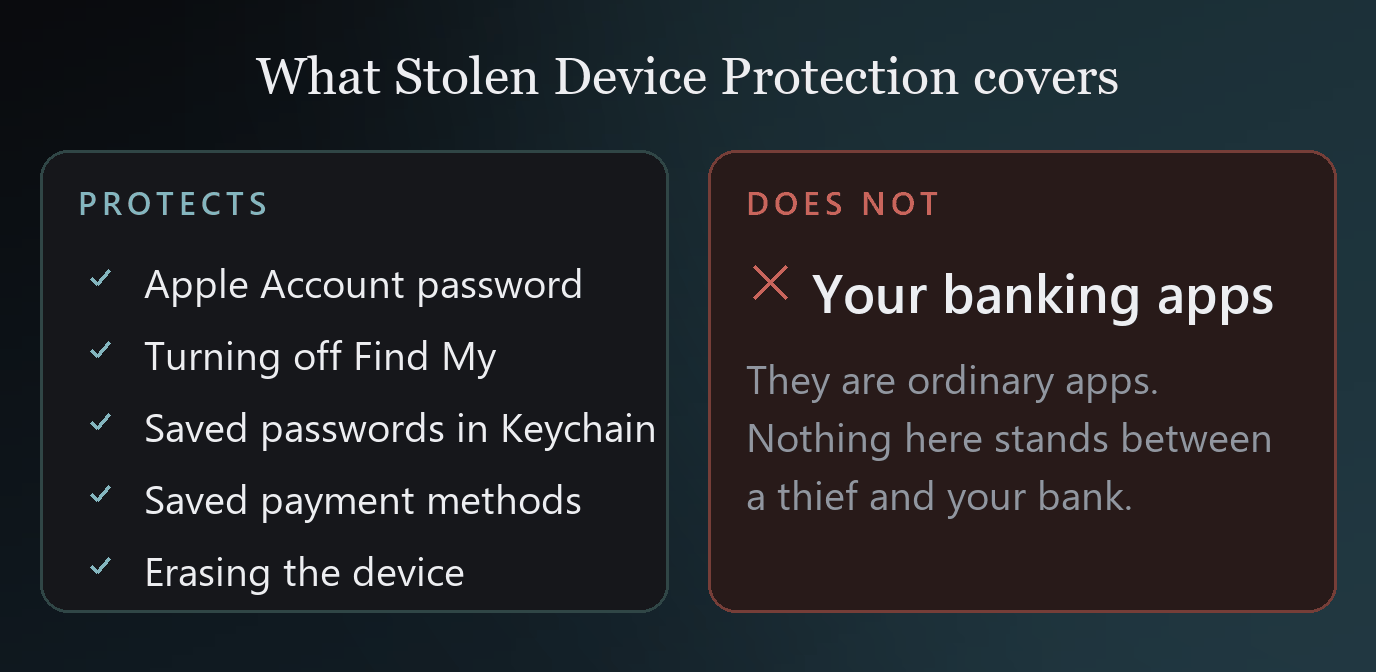
That gap is why transfer limits come first on this page and this comes third.
4. A passcode nobody can watch you type
A surprising share of these cases start with the passcode being observed, in a bar or on a train, hours before the phone is taken.
Two cheap habits: use a longer alphanumeric passcode rather than four digits, and cover the screen when you type it in public the way you would at a cash machine.
5. Hiding the banking apps
Now we get to hiding, and it is worth being honest about where it sits.
Hiding your banking apps with iOS's Hide and Require Face ID is genuinely useful here, because a thief scrolling a Home Screen under time pressure will not find what is not on it. In a sixty second robbery, that is a real effect.
It is fifth rather than first because it fails the moment somebody thinks to ask, and because a determined thief who has your passcode can reach the Hidden folder anyway. It buys you the thief's attention span, which is worth something but is not a wall.
6. What a vault app does and does not do here
Vessum and apps like it are built for a different situation: somebody inspecting the phone and handing it back. In a robbery, the phone is leaving. What is inside a vault leaves with it, encrypted and unreadable, which protects your documents and photographs but does nothing about your bank balance.
So: useful for your passport scan, irrelevant to your current account. We would rather say that than let you assume otherwise. If the worry is money, the answer is the top of this page and not an app purchase.
Afterwards, in order
If it has already happened, the order that matters:
- Call your bank and freeze transfers. Before anything else.
- Mark the device lost in Find My from any browser, which locks it and shows a message.
- Change your Apple Account password, which cuts the device off from your account.
- Report it to the police and to your carrier, so the line is blocked and you have the paperwork.
- Change passwords for anything whose recovery runs through that phone number or that email.
Doing those in that order matters. The money is time-sensitive. The paperwork is not.
The four minutes that are worth it
Open your banking app today and set a night transfer limit. It costs nothing, it needs no new software, and it defeats the common version of this outright.
Then, separately and unhurriedly, think about the documents on your phone that would be awkward in a stranger's hands, and deal with those on their own terms. That is a different problem with a different answer, and it is the one we wrote about in when somebody demands your passcode.
Vessum
Photographs, documents and notes behind more than one passcode. Each one opens a different space, and none of them can prove the others exist.
Download on the App Store